CDB and PDB in practice: how Veesker navigates pluggable database hierarchies
Oracle's Multitenant architecture splits databases into containers and pluggables. Here's how to work it daily, and how Veesker keeps the hierarchy visible.
The Oracle Multitenant architecture has been in production since 12c, but a surprising number of developers treat CDBs as a DBA-only concern and tune it out. That’s understandable: if your IDE hides the container layer, you never see it. But the moment something goes wrong — a query returns no rows that should exist, a user you just created can’t log in, a dictionary view shows incomplete data — the CDB/PDB split is usually the silent cause.
This is a practical guide for developers working against Oracle 12c and later: what the architecture actually is, how it changes day-to-day query work, and how Veesker surfaces the container hierarchy so you don’t have to keep it in your head.
What CDB and PDB actually mean
Oracle introduced the Multitenant architecture in 12c to allow multiple “pluggable” databases to share a single Oracle instance while remaining self-contained and independently manageable. The top level is the Container Database (CDB). Inside it sit one or more Pluggable Databases (PDBs).
Two containers always exist by default:
- CDB$ROOT — the root of the hierarchy. SYS and SYSTEM live here. Dictionary metadata for the whole CDB lives here.
- PDB$SEED — a read-only template. When you create a new PDB, Oracle clones it from the seed.
User-created PDBs sit alongside the seed. Each PDB looks and behaves like a traditional Oracle database from the application’s point of view: its own tablespaces, its own local users, its own data dictionary. The shared instance is an infrastructure concern, not an application concern — until you open the dictionary from the CDB root, where you can see across all containers at once.
Connecting to the right place
The most practical question is also the most confusing: which service name do I connect to?
A standard CDB exposes at minimum two TNS services: one for the root (often the CDB DB name, e.g., ORCL) and one per PDB (named after the PDB, e.g., ORCLPDB1). On Oracle Cloud infrastructure, the wallet configures these automatically. On on-premises installations, the services may or may not appear in tnsnames.ora — verify with lsnrctl status.
-- See the PDBs your instance has and their current open mode
SELECT name, con_id, open_mode FROM v$pdbs;
If you connect to the CDB root, you are in CDB$ROOT. If you need to switch containers without disconnecting:
ALTER SESSION SET CONTAINER = ORCLPDB1;This works only when connected as a common user (more on that below). Application users should connect directly to the PDB service — ALTER SESSION SET CONTAINER is an administrative pattern, not something an application connection pool should use.
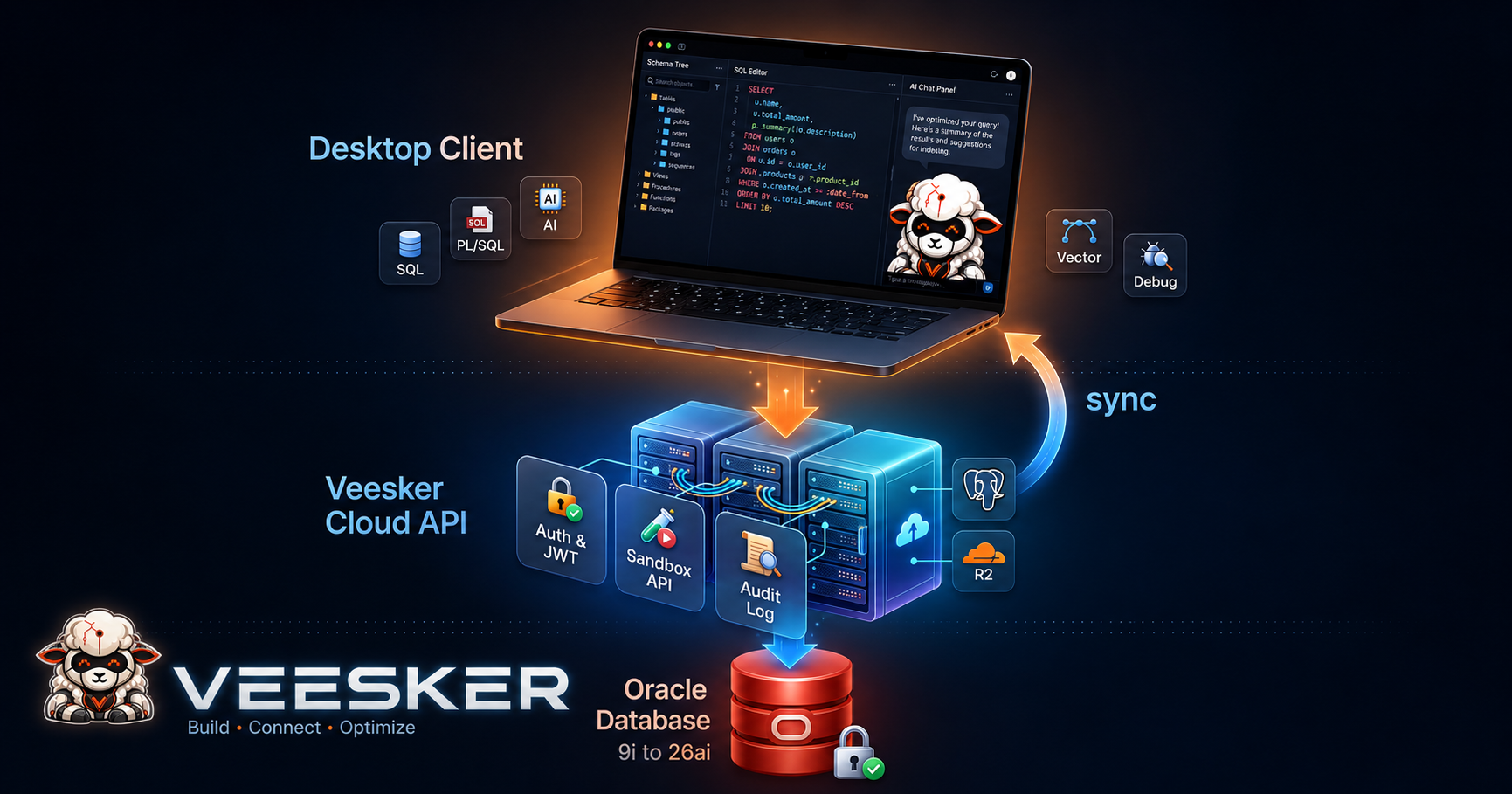
Veesker reads the server version at connection time and, for 12c and later, shows the container tree in the object browser: the CDB root is the top-level node, PDBs hang below it. Selecting a PDB narrows the session context to that container. The active container is always shown in the connection tab so you don’t have to run sys_context('USERENV', 'CON_NAME') to remember where you are.
Dictionary views: CDBversus DBA
The dictionary view split is where most day-to-day confusion happens. The classic DBA_* views — DBA_TABLES, DBA_SEGMENTS, DBA_OBJECTS — show data only for the current container. In CDB$ROOT, you see root-level objects. In a PDB, you see that PDB’s objects.
The CDB_* variants were introduced in 12c and add a CON_ID column:
-- How many tables in each PDB?
SELECT con_id, COUNT(*) AS table_count
FROM   cdb_tables
WHERE  owner NOT IN ('SYS', 'SYSTEM', 'OUTLN')
GROUP  BY con_id
ORDER  BY con_id;
This query only works when connected to the root. Running it from inside a PDB returns only that PDB’s data, making the CON_ID column constant and useless from that context.
A practical rule: if you are doing application work, connect to the PDB and use DBA_* or USER_* views normally. If you are doing cross-container administration or monitoring, connect to the root and use CDB_* views.
Veesker’s schema browser adjusts accordingly. Connected to the root, the object tree shows both DBA_* and CDB_* view categories. Connected to a PDB, the CDB_* category is collapsed because it offers no cross-container data from that context.
Common users and local users
Oracle 12c introduced a distinction between common users — defined at the CDB level, existing in every container — and local users — defined in a single PDB. The naming convention for user-created common users is the C## prefix, which Oracle reserves to avoid collisions with PDB-local user names.
-- Create a common user (run from CDB root)
CREATE USER C##MONITORING_AGENT IDENTIFIED BY <password>
    CONTAINER = ALL;

-- Create a local user (connect to the target PDB first)
CREATE USER APP_USER IDENTIFIED BY <password>;
The practical implication: if you create a user in the CDB root without the C## prefix and CONTAINER = ALL, that user exists only in the root. Attempting to connect to the PDB with that user fails — from the PDB’s perspective, the user does not exist.
Application users should be local users inside their PDB. Common users are for monitoring agents, backup accounts, and administrative tooling that legitimately spans containers. Using common users for applications is technically possible and operationally wrong: a credential compromise then spans every PDB in the instance.
Veesker surfaces this distinction in the Users section of the object browser: common users carry a C## badge, local users do not. If you are connected to the root and try to create a user without the prefix using the “Create User” dialog, Veesker warns that the user will be root-local only and asks whether you intended a common user or should connect to a PDB first.
Privileges across containers
Privileges come in two scopes. A GRANT in the root with CONTAINER = ALL applies the privilege in every container. Without that clause — or when granted from inside a PDB — the privilege applies only in the current container.
-- Grant DBA to a common user across all containers
GRANT DBA TO C##MONITORING_AGENT CONTAINER = ALL;

-- Grant SELECT on a specific table in the current PDB only
GRANT SELECT ON SCHEMA1.ORDERS TO APP_USER;
Where things get subtle: a common user may hold DBA in the root but have no privileges in a specific PDB unless the grant was made with CONTAINER = ALL or was repeated inside that PDB. The user exists everywhere; the privilege does not unless you explicitly placed it there.
How Veesker navigates the hierarchy
The version handshake is the starting point. Once Veesker confirms 12c or later, the CDB/PDB layer activates across the UI:
Object browser. The root node shows the CDB name with two branches — CDB$ROOT and the list of PDBs from V$PDBS. Selecting a PDB sets the active container for queries run from the SQL editor. The tab header always shows the current container name.
SQL editor context. Queries run in the context of the selected container. If you are browsing inside a PDB and switch to the editor, the AI assistant knows it is operating inside that PDB, not the root. It will not suggest CDB_* views unless you have switched to the root, because from a PDB context those views return only local data.
Common user warnings. The “Create User” dialog checks whether you are in the root and whether the proposed name lacks the C## prefix, then surfaces the appropriate warning before you submit.
PDB open mode indicator. V$PDBS.OPEN_MODE is read when the tree loads. A PDB in MOUNTED or READ ONLY mode shows a badge next to its name. Attempting DML against a mounted or read-only PDB is going to fail; knowing before you try saves the round-trip error.
Cross-container queries. When you run a query from the root context, Veesker’s AI assistant recognizes CDB_* view references and can annotate them with the relevant CON_ID filter if you forget it. It does not invent this behavior for PDB contexts where the behavior differs.
The Multitenant layer is one of the areas where Oracle’s evolution created genuine complexity for developers — not because the design is bad, but because most tooling either hides it or ignores it. When your IDE surfaces it cleanly, the complexity stops being invisible friction and becomes manageable structure you can reason about.
Download Veesker and navigate your CDB/PDB hierarchy from a single connection tree: veesker.cloud/download.
— Veesker